A Kiosk Is a Service Point, Not Just a Screen
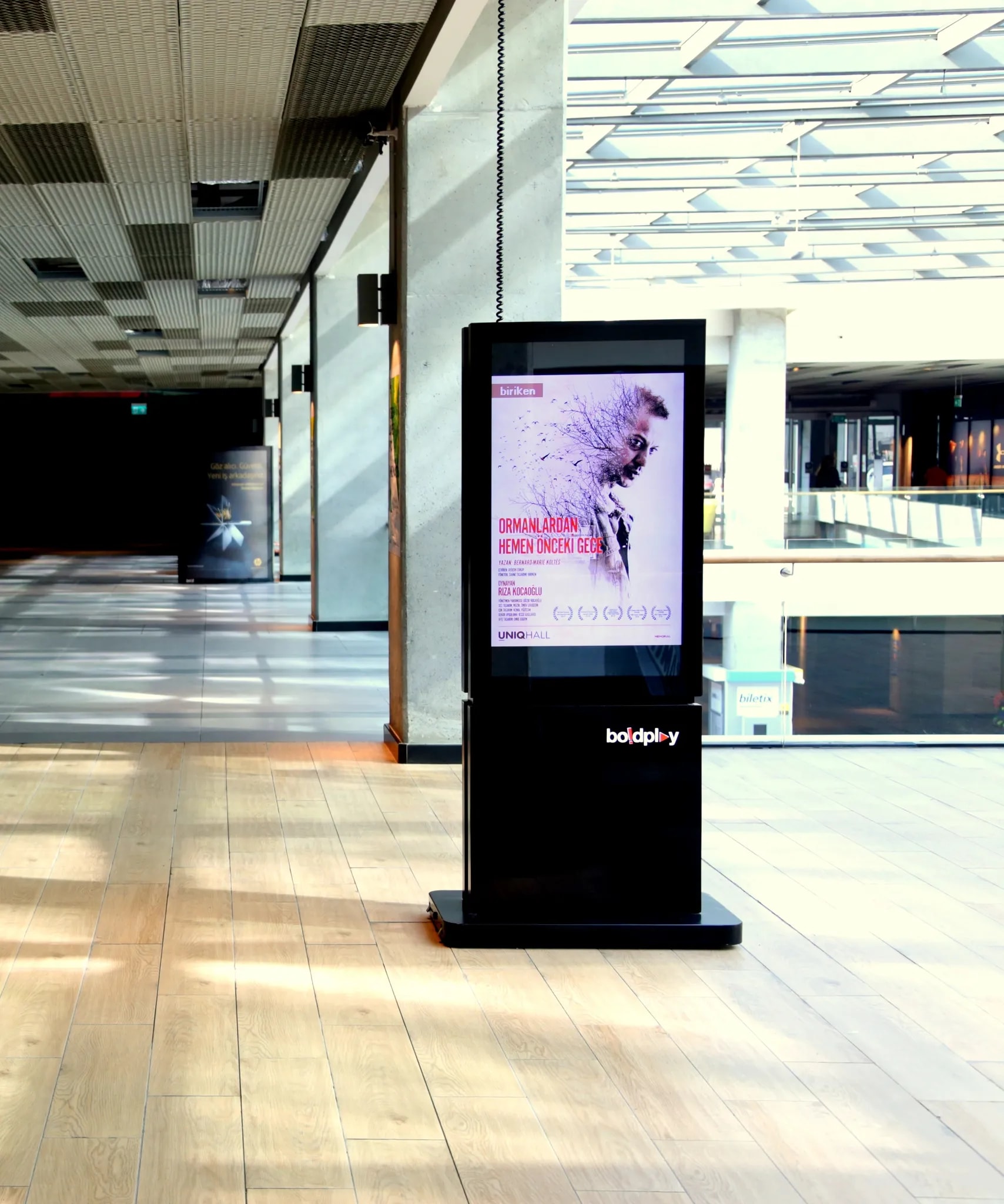
A digital kiosk combines a screen, a computer and, where needed, a touch panel, printer or card reader in one enclosure, letting visitors serve themselves. That is why two kiosks that look alike can differ greatly in price. Instead of quoting figures, this article explains the factors behind the price so you can choose the right kiosk and compare quotes properly.
1. Purpose: Information or Transactions?
The first question is what the kiosk will do. A kiosk that only shows announcements, a wayfinding kiosk and a self-service kiosk that issues queue tickets or takes payments need very different hardware. Every extra function (touch, printer, card reader, barcode/QR reader, camera) adds hardware and software cost.
2. Indoor or Outdoor?
Indoor kiosks use standard-brightness screens and light enclosures. Outdoor kiosks need high-brightness screens readable in sunlight, weather-protected enclosures, heating and cooling, and impact-resistant glass, so they cost noticeably more at the same size.
3. Screen Size, Touch and Orientation
Larger screens cost more, but touch technology makes the bigger difference: busy public areas need more durable and responsive panels. Portrait or landscape, single or double-sided designs also change the enclosure and the cost.
4. Enclosure Design and Brand Look
Catalogue enclosures are the most economical. Custom enclosures designed around your brand and the architecture require extra design and production. Materials, accessible height and vandal resistance also affect cost.
5. Software and Content Management
Software is the most overlooked cost item. A kiosk showing images and video through a ready-made CMS and a custom application connected to your booking, stock, queue or payment systems are priced very differently. Check whether software is licensed or a one-off fee.
6. Quantity, Installation and Infrastructure
Unit cost usually falls as quantity rises. Installation cost depends on whether power and network are ready, floor fixing, and foundations or permits outdoors. Multi-site rollouts also need site planning.
“From information kiosks to self-service kiosks, indoor to outdoor: the 7 factors that determine digital kiosk pricing, and how to choose the right kiosk and get comparable quotes.”
7. Warranty, Maintenance and Remote Support
A kiosk runs long hours every day and is used by the public, so after-sales matters as much as hardware. Warranty, response time, remote monitoring and software updates directly affect long-term cost.
What to Prepare for an Accurate Quote
Prepare where and how many kiosks will be used, what visitors will do on them, needs such as touch, printing or payment, design expectations and any systems to integrate. When comparing quotes, look beyond the total: screen and touch quality, enclosure, software scope, installation and warranty. Contact us for a site survey and quote.
Why do digital kiosk prices vary so much?
Purpose, indoor or outdoor use, screen size, touch technology, enclosure design and software together determine the price. An announcement kiosk and a payment-taking self-service kiosk can differ greatly.
Are outdoor kiosks more expensive than indoor ones?
Usually yes, as they need high-brightness screens, weather-protected enclosures, heating and cooling, and impact-resistant glass. Foundations and permits can add cost.
Is kiosk software included in the price?
It depends on the quote. Some cover only hardware, while turnkey quotes include content management software, installation and training. Custom integrations are usually priced separately.