The Technology Is There — So Why Do Meetings Still Go Wrong?
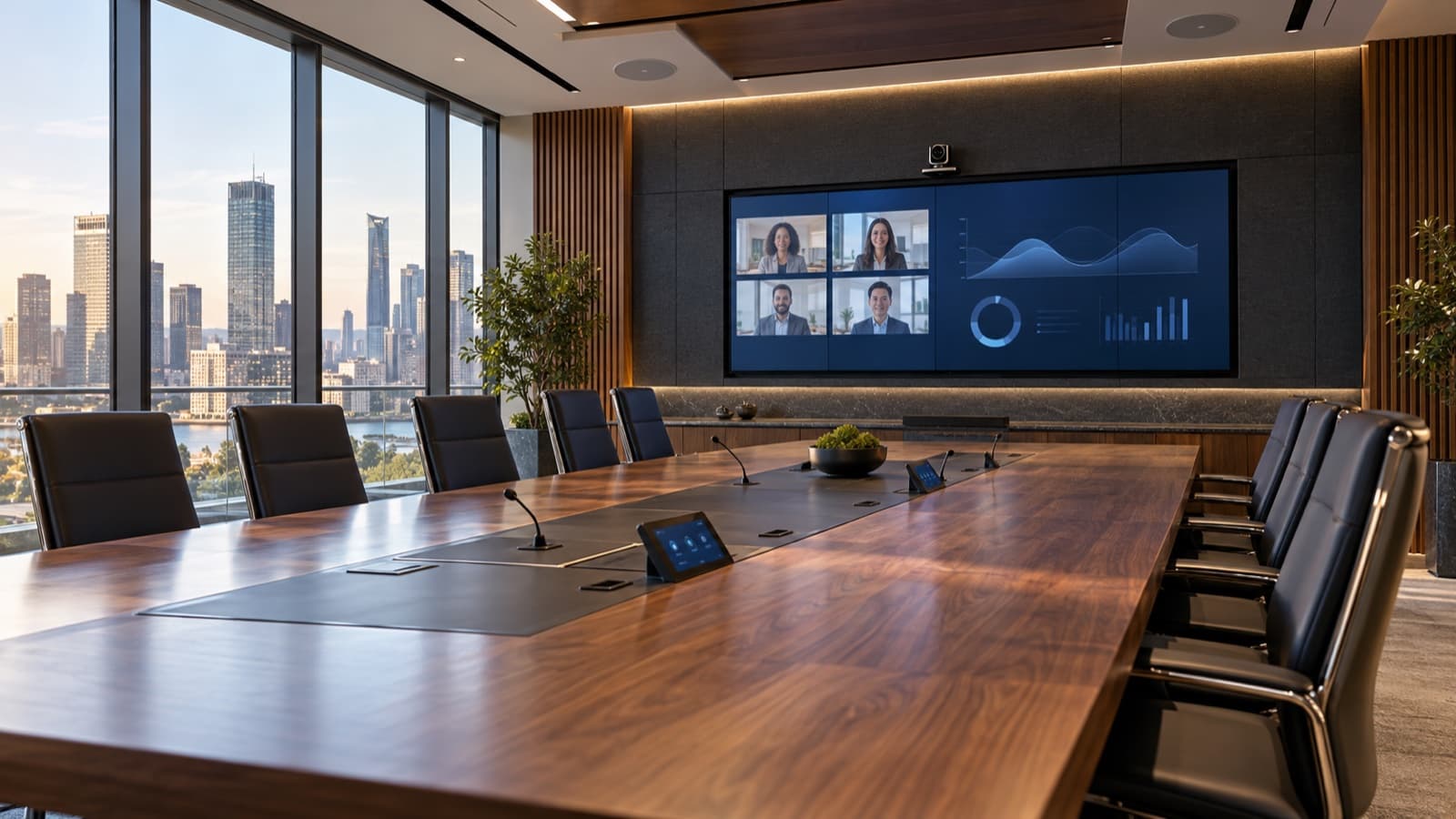
A meeting room may have a screen, a camera, microphones and a sound system, but having all of that equipment in one room does not mean the system works. The meeting starts and no image appears; the microphone picks up one person clearly and misses another; the camera sits at the wrong angle; the wireless presentation system keeps everyone waiting; the audio lags; different devices need different remotes. A room equipped with genuinely capable hardware turns into a space that wears its users down. The problem is rarely the quality of the devices — it is that they were never designed as a system. That is exactly where AV integration comes in.
What Is AV Integration?
AV stands for audio visual. AV integration is the planning of audio, video, conferencing, control and connectivity infrastructure so that it all works together as one system. An AV project is not only about selecting a screen or a camera; it also answers how the user starts the system on entering the room, which device talks to which, how the microphones cover the whole room, which sources reach the screen, how remote participants hear and see, whether everything can be driven from one interface, and how a fault is dealt with. In a well-executed project the user never notices most of this infrastructure, because the system simply behaves as it should.
The Most Expensive Equipment Does Not Make the Best System
A frequent mistake is to prioritise product quality over system design. You can specify the strongest camera, the most expensive microphone and the highest-resolution display, and still deliver a poor experience if the devices are not integrated properly. A high-quality microphone system placed incorrectly will not pick up every speaker in the room; a very capable screen used at the wrong viewing distance will look too large or too small. Professional AV design evaluates products inside the usage scenario, not in isolation — the right combination matters as much as the right product.
The Biggest Problem Is Usually Complexity
A technically advanced meeting room should not require users to learn how to operate it; a well-designed system should be as simple as possible. Walking in, a user should not have to juggle devices to switch the screen on, start the meeting, share a presentation, change the volume and select a camera mode — all of that should run from one control panel or a clear interface. A single “Start Meeting” command can switch on the display, activate the camera, start the microphone system, select the correct source and set the lighting scene. The user performs one action while the technology executes several in the background. That is where the real value of AV integration shows.
Look at Room Acoustics Before Counting Microphones
Audio quality in a meeting room does not depend on the microphone brand alone; the physical structure of the room plays a major role. Glass surfaces, hard walls, high ceilings and reflective materials let sound bounce around uncontrolled, so even an expensive microphone system can leave remote participants hearing echo and struggling to follow. AV projects therefore have to consider acoustics: microphone positions on the table, distance to speakers, coverage area and the relationship with the loudspeakers. In some rooms table microphones are enough; in others ceiling microphones deliver cleaner, tidier results. The right answer changes with the architecture and the way the room is used.
Camera Angle Looks Like a Small Detail. It Is Not.
In video conferencing, camera position is one of the biggest factors in user experience. Mounted too high, people are seen from an unnatural angle; too low is equally uncomfortable. A very wide angle makes the room look large but shrinks the participants; a narrow angle may not fit the whole table in frame. Professional AV design weighs room length, table layout, number of participants, the distance between camera and user, and screen position together. Some systems add automatic speaker tracking or framing, so the camera follows whoever is speaking or places participants in frame automatically.
Screen Size Is Not “the Biggest One That Fits”
A common mistake is to choose the largest screen the wall can take, when the ideal size is set by viewing distance. If the person at the far end of the room cannot read small text comfortably, the screen is too small; equally, an oversized screen in a small room reduces viewing comfort. Content type matters too: a room used mainly for video calls has different needs from one where spreadsheets, technical drawings or detailed presentations are shown. Screen choice is not purely a design decision — it is tied directly to user behaviour.
Why Wireless Presentation Matters
Hunting for the right HDMI adapter in the first few minutes of a meeting is a classic corporate problem. Users arrive with different laptops and different ports — USB-C, HDMI, various adapters — and the meeting starts late. Wireless presentation solves much of this, letting people send content from their own device to the room display. But sharing an image wirelessly is not the whole story: corporate network security, user access, connection stability and image quality all have to be considered together. In larger companies an AV system can never be designed independently of the IT infrastructure.
AV and IT Are No Longer Separate
AV systems used to be built from standalone audio and video devices; today many AV devices run over the network. Cameras, control systems, media players and video distribution solutions connect to the corporate IP infrastructure, which means AV and IT teams have to work far more closely. Network capacity, security policies, VLAN structures, remote access and device management all become part of the AV project. A modern AV integration cannot be thought of in terms of power and video cabling alone; the network belongs in the design from the start.
Hidden Cables Do Not Mean the Project Is Finished
Aesthetics matter in professional AV, especially in executive meeting rooms, boardrooms and premium corporate spaces where technology should blend into the architecture. But hiding devices is not a complete solution — the system still has to be reachable for maintenance. Good AV design plans for both appearance and service access; cables, devices and control equipment concealed carelessly can make even a minor service call difficult later. In good integration the technology becomes invisible, but never inaccessible.
Not Every Meeting Room Should Be the Same
A company may have dozens of meeting rooms of different sizes, and a two-person huddle room does not need the same AV infrastructure as a boardroom for twenty. Small spaces can be served by simple solutions, while large rooms may need multiple microphones, several camera angles, a professional sound system, central control and multiple video sources. The right approach is to classify rooms by usage scenario rather than installing identical systems everywhere — which also removes unnecessary hardware cost.
“The problem is rarely the quality of the devices; it is that they were never designed as one system. In good AV integration the technology does not draw attention — it makes communication easier.”
In Hybrid Meetings the Goal Is Equal Participation
In hybrid meetings the people in the room see and hear each other easily, while remote participants often do not share that experience: someone sits outside the camera frame, audio from the far end of the table is weak, participant video shrinks when a presentation is shared. The aim of a good hybrid system is to stop remote attendees becoming second-class participants, which means audio, camera and display have to be designed together. With proper integration the remote participant can see who is speaking, hear them clearly, follow the presentation and talk naturally with everyone in the room.
How Should an AV Project Be Planned?
A professional AV project does not begin with an equipment list; it begins with the usage scenario. The important questions are: how many people will use the space? Will meetings be in person or hybrid? Which conferencing platforms will be used? Will users connect their own laptops? What content will be shown? What are the room acoustics like? From what distance will the screen be viewed? Will the system be managed centrally? How will it integrate with IT? How will technical support be provided? Answer those and the technology choices become much easier.
A Good AV System Does Not Announce Itself
In a successful AV integration the user walking into the room does not think about which microphone brand is installed, does not wonder how the camera works and does not need to know which cable runs to which processor. They start the meeting and the system works. That is the strongest sign of good AV integration: the technology does not draw attention, it makes communication easier. At iDisplay we handle every component of an AV project together — display systems, professional audio, video conferencing infrastructure and control systems — planning site analysis, system design, product selection and installation around the usage scenario, to deliver reliable, sustainable AV that never becomes a burden on the user.
What is AV integration?
AV integration is the planning and implementation of audio, video, conferencing and control systems so that they work together harmoniously within one infrastructure.
What AV equipment belongs in a meeting room?
Depending on the project: a professional display or LED screen, camera, microphones, loudspeakers, a video conferencing system, wireless presentation and a control panel.
Why should an AV system be professionally engineered?
So that devices work together, audio and video quality are right, operation is simple and future maintenance can be managed, the system has to be planned as a whole.
What is a hybrid meeting room?
A hybrid meeting room has the audio, video and conferencing infrastructure that lets people in the room and remote participants take part in the same meeting effectively.
Is AV integration only for meeting rooms?
No. Boardrooms, conference spaces, training venues, control centres, auditoriums, hotels and many other corporate spaces all use AV integration.